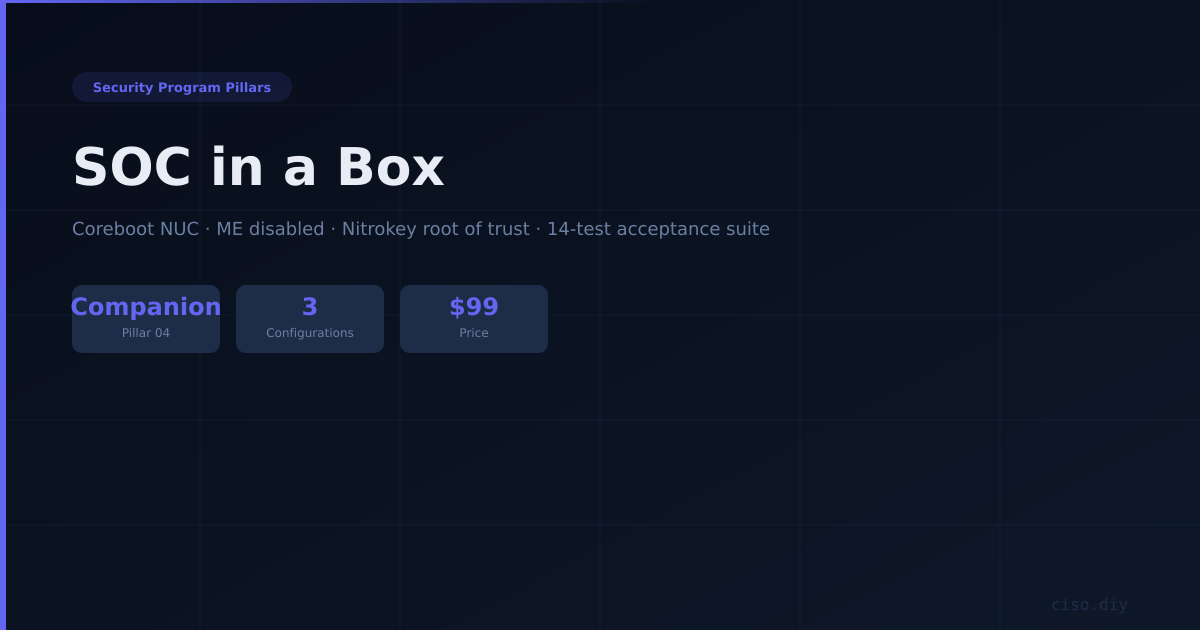
Pillar 04 Companion — SOC in a Box
The Open SOC reference architecture landed on one machine you can hold — a coreboot NUC with the Management Engine disabled, Nitrokey as the root of trust, three disks mapped to three storage tiers, and a 14-test acceptance suite you run before pointing a single agent at it.
What this actually gives you
- Three configurations — Watch, Work and Seed — sized from a Tier 1 deployment under 100 endpoints through the first node of a multi-tenant practice, with CPU, memory, disk, retention and AI ceiling specified for each.
- Boot key: FIDO2 hmac-secret unlock of the LUKS2 volumes, protecting evidence at rest, with the availability tradeoff spelled out and three options to pick deliberately.
- Admin key: resident FIDO2 SSH plus git commit signing, so every detection rule change carries a hardware-backed identity that survives an employee leaving.
- Tests 2, 3 and 14 are the ones people skip, and they are the three that cause the outages.
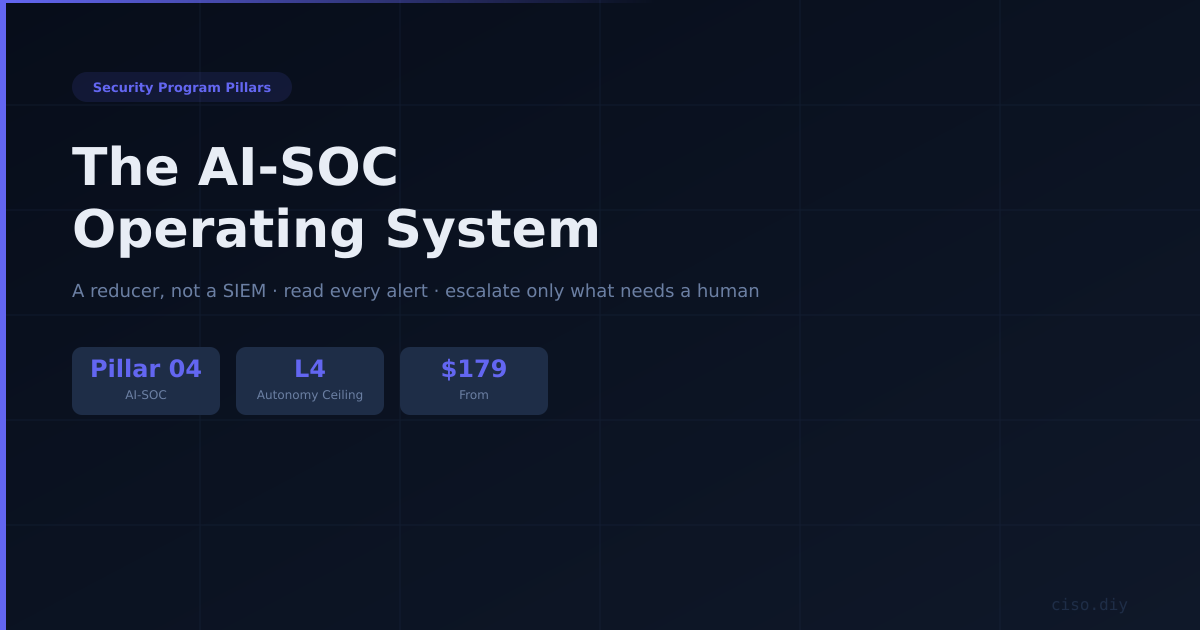
A companion to Pillar 04 — The AI-SOC Operating System. The pillar guide is the reducer and the operating discipline; this is the machine it runs on — the managed AI-SOC pillar as a box on your desk rather than a service on someone else's.
A hardware build guide that lands the Open SOC reference architecture on one machine. It covers the platform decisions (firmware, disks, network interfaces), a key ceremony that maps Nitrokey hardware to the architecture's governance plane, the stack layout by plane, and an acceptance test you run before production traffic touches it.
Why hardware matters here specifically. For most workloads "run it on a mini PC" is a cost decision. For a SOC it is a trust decision, and the argument is narrow enough to state precisely: the box that watches everything is the box worth compromising. Your SIEM holds the credentials that read your identity provider, the agent keys for every endpoint, and the only copy of the evidence that would show an intrusion. It is simultaneously the highest-value target in the estate and, in most small deployments, the least hardened machine in it — a stock mini PC with vendor firmware nobody has looked at, running under a desk.
Three configurations — Watch, Work, and Seed — sized from a Tier 1 deployment under 100 endpoints through the first node of a multi-tenant practice, with CPU, memory, disk, retention, and AI ceiling specified for each.
Three disks, three storage tiers, one mapping. The architecture splits storage into hot, warm, and cold with different economics. The chassis has exactly three slots with different performance characteristics, and they map one to one. Three physical devices means a runaway hot index cannot fill the disk holding your archive — on a single-disk build one bad retention setting takes out every tier at once, and it does it silently, because the thing that would have alerted you is the thing that just ran out of space.
The key ceremony — the part with no cloud equivalent. Three distinct Nitrokey roles, each mapping to a governance principle from the architecture. Boot key: FIDO2 hmac-secret unlock of the LUKS2 volumes, protecting evidence at rest, with the availability tradeoff spelled out and three options to pick deliberately. Admin key: resident FIDO2 SSH plus git commit signing, so every detection rule change carries a hardware-backed identity that survives an employee leaving. Evidence key: an HSM signing monthly ledger exports, so what you can tell an auditor is "signed by a key that has never existed in software, on a device in our custody, and here is the verification command."
Phase-by-phase build, with commands: firmware and platform (disable the Management Engine, enable measured boot, kill the radios in firmware), the two-NIC layout with offloads disabled on the monitor interface, the stack laid out by architectural plane with mount points enforcing the tier boundaries, the AI plane with an honest constraint on what the integrated GPU can and cannot do, and the tenancy work to do on day one if there will ever be a second client.
A 14-test acceptance suite covering cold boot with and without the token, recovery key unlock, ME status, monitor NIC and offloads, tier isolation under a full hot disk, the signed commit gate, ledger signature verification, pipeline canary, inbound reachability, thermals, and power loss under load. Tests 2, 3, and 14 are the ones people skip, and they are the three that cause the outages.
Closes with the failure modes that actually happen, and where to stop and buy instead — including an honest caveat on the whole hardware tier: coreboot with a disabled ME closes a specific class of firmware risk on the machine that most deserves it. It does not improve your detection coverage, your rule quality, or your response time, which is what actually determines whether the SOC works.
Companion to the Open SOC Reference Architecture. This guide assumes that document — it tells you how to build the Tier 1 deployment on specific hardware, not why the planes are arranged the way they are.
Also available in 3 bundles
This product is sold on its own and as part of a set. If you need more than this one, the set is cheaper than buying the parts.
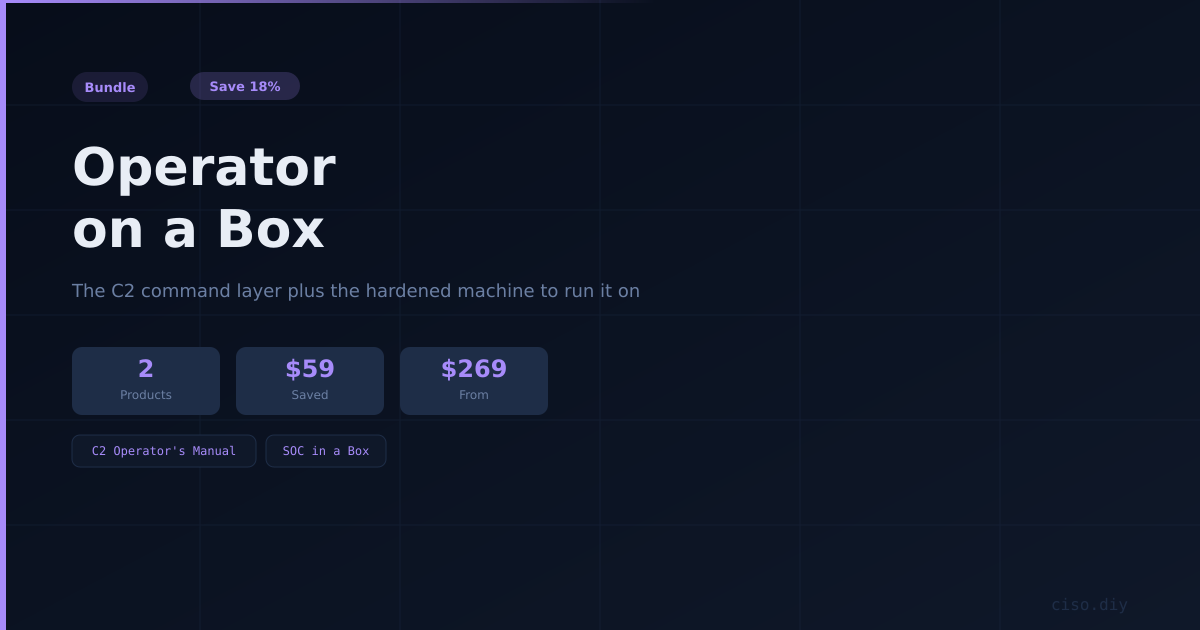
Operator on a Box
The Operator's Manual plus SOC in a Box — the command layer and the hardened machine to run it on. Sovereign by construction: your vault, your gates, your hardware. 14% off buying separately.
Pillar 04 — AI-SOC Complete
The whole AI-SOC pillar — the operating system that reduces your alerts, the reference architecture that designs the system underneath it, and the hardware build guide that lands it on one machine you hold. 19% off buying separately.
Complete Security Program Pillars
The whole programme — the Phase 0 assessment that scopes it, all six pillars, and the C2 command layer that conducts them — the compliance operating system, the DevSecOps risk register, the Bug-Hunter discovery layer, the PTaaS proof lane, both halves of the AI-SOC pillar, and the Fractional CISO operating system they all report into. Discovery to detection to remediation as one program, and the operator node it all runs on. 29% off buying separately.
What's included
- PDF — fully editable
- Instant download after purchase
- Free updates — re-download when we release new versions
Complete your toolkit
More from the CISO Marketplace ecosystem
- Secure checkout via Stripe
- All major cards accepted
- 30-day satisfaction guarantee