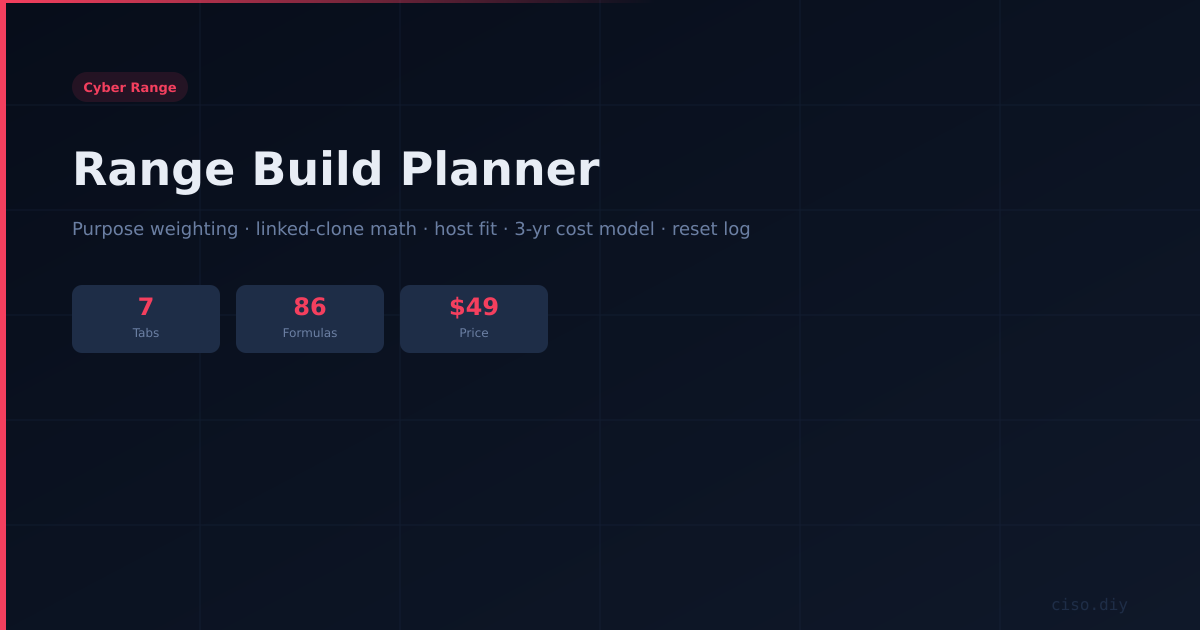
Range Build Planner
The live calculator that catches the wrong hardware call before you buy it — seven working tabs and 86 formulas covering purpose weighting, VM inventory with linked-clone math, host fit analysis, a three-year on-prem-vs-cloud cost model with payback, VLAN plan and reset-time log.
What this actually gives you
- A GOAD-Light row of 4 GB × 5 VMs at 60 GB disk with a 25% clone delta computes to 20 GB effective RAM and 120 GB effective disk, not 300.
- The sample build correctly flags vCores OVER — 22 needed against 16 available — with the overcommit caveat, while RAM and storage pass.
- The 3-year cost model includes your own maintenance hours at your billing rate: the line everyone omits, and usually the largest.
- Rank the four range purposes and it derives your dominant purpose, substrate bias and reset tier via live INDEX/MATCH.
The cheapest high-value artifact in the Range Line, and the one that pays for itself before you spend a pound on hardware. Included free with R01; sold separately for anyone who already owns a range guide.
Start Here — instructions and the colour key: yellow to fill in, blue for your input, black computed, green pulled from another tab.
Purpose Weighting — rank the four range purposes and it derives your dominant purpose, substrate bias and reset tier via live INDEX/MATCH, flagging if your weights do not total 100%.
VM Inventory — with the linked-clone math built in and correct. A GOAD-Light row of 4 GB × 5 VMs at 60 GB disk with a 25% clone delta computes to 20 GB effective RAM and 120 GB effective disk, not 300. That is the "ten workstations cost about three full disks" saving, automated. Totals feed the next tab.
Hardware Sizing — enter host specs and it pulls the inventory totals live, flagging OK / TIGHT / OVER with headroom and a plain-English verdict line. The sample build correctly flags vCores OVER (22 needed against 16 available) with the overcommit caveat, while RAM and storage pass.
3-Yr Cost Model — on-prem versus cloud with power at your rate and, critically, your own maintenance hours at your billing rate: the line everyone omits and usually the largest. The default example shows on-prem cheaper by $1,375 over three years with a 22-month payback, and the verdict flips automatically if your inputs say otherwise.
VLAN Plan — the three-zone layout pre-filled, including the malware tier row with zero egress flagged, ready for your IDs and subnets.
Reset Log — the four reset tiers with their thresholds baked in. Enter measured times and it flags TOO SLOW against the two-minute and twenty-minute limits, because a range you cannot reset quickly is a range you stop using.
Also available in a bundle
This product is sold on its own and as part of a set. If you need more than this one, the set is cheaper than buying the parts.
What's included
- Excel (.xlsx) — fully editable
- Instant download after purchase
- Free updates — re-download when we release new versions
Complete your toolkit
More from the CISO Marketplace ecosystem
- Secure checkout via Stripe
- All major cards accepted
- 30-day satisfaction guarantee